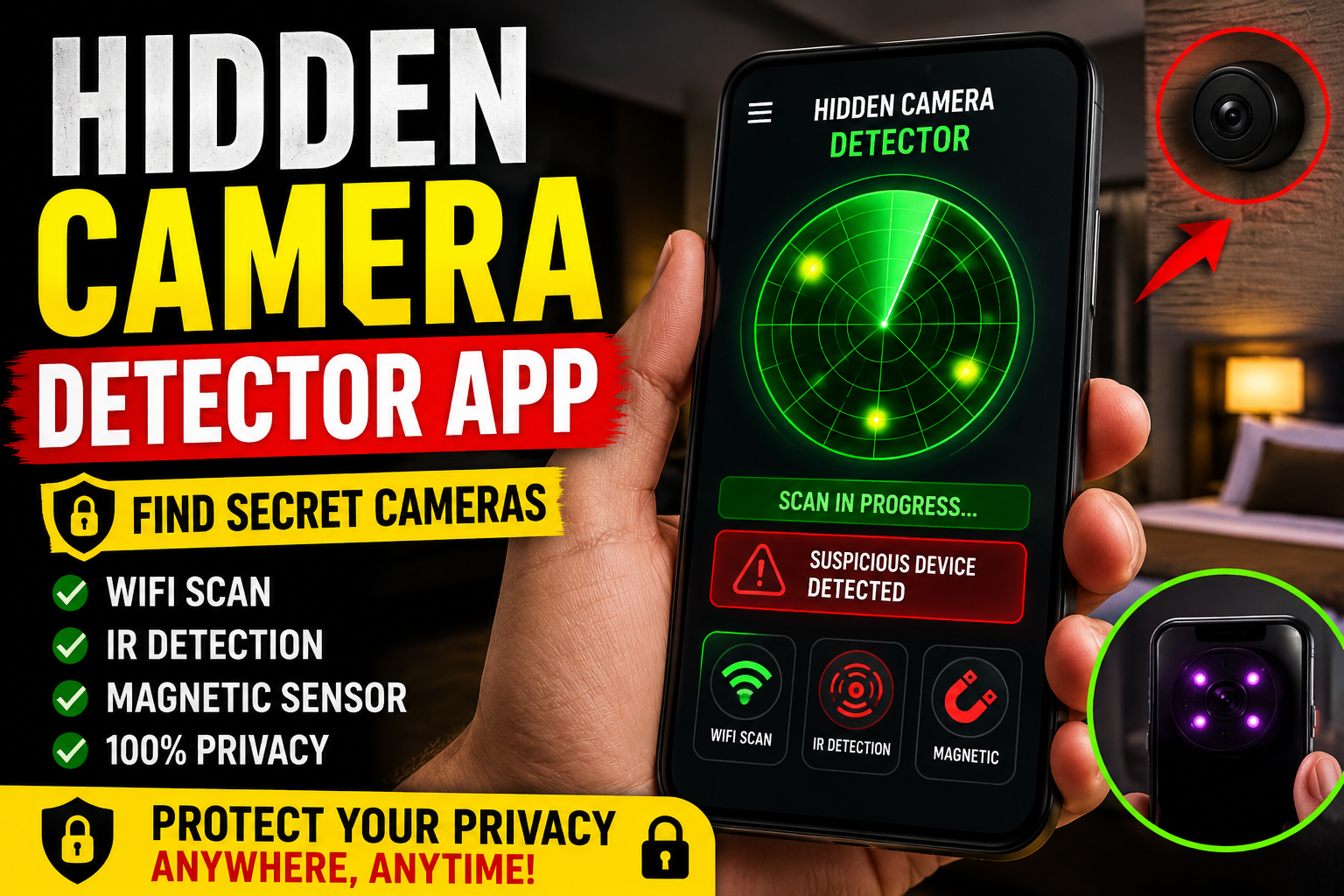
Hidden Camera Detector App Best Secret Camera Finder
Privacy has become more important than ever. Whether you stay in hotels, Airbnb rooms, offices, or changing rooms, the fear of hidden spy cameras is real. Fortunately, a hidden camera detector app can help you protect yourself quickly and easily. These apps turn your smartphone into a smart security tool that can scan for suspicious devices nearby.
In this guide, you will learn how hidden camera detector apps work, their best features, and how to use them effectively to find secret cameras.
What Is a Hidden Camera Detector App?
A hidden camera detector app is a mobile application designed to identify secret surveillance devices. Most apps work by detecting wireless signals, infrared lights, or unusual magnetic activity around hidden electronics.
Today, many Android and iPhone users install these apps before traveling because they offer an extra layer of privacy and safety.
Some apps can detect:
- WiFi connected cameras
- Bluetooth spy devices
- Infrared night vision lights
- Hidden microphones
- Suspicious wireless signals
As a result, these apps are becoming increasingly popular among travelers and privacy conscious users.
How Does a Secret Camera Finder App Work?
Different apps use different technologies. However, most hidden camera finder apps rely on your smartphone sensors and network scanning features.
WiFi Network Scanning
Many hidden cameras connect to local WiFi networks. Therefore, detector apps scan nearby devices connected to the same internet connection. If an unknown device appears with suspicious names such as “IP Camera” or “Security Cam,” it could indicate a hidden camera.
Infrared Detection
Most spy cameras use infrared lights for night vision. Although these lights are invisible to human eyes, smartphone cameras can often detect them in dark rooms.
Simply turn off the lights and scan the area through your phone camera. If you notice small glowing dots, investigate further.
Magnetic Sensor Detection
Some apps also use your phone’s magnetic sensor to detect electronic devices hidden behind walls, mirrors, clocks, or smoke detectors.
This method works best at short distances.
Best Features to Look for in a Hidden Camera Detector App
Choosing the right hidden camera detector app is important. Here are the top features you should look for.
Real Time Device Scanning
A good app should quickly scan nearby wireless devices and identify suspicious connections.
Infrared Camera Detection
Apps with infrared scanning provide better accuracy in dark environments.
User Friendly Interface
Simple navigation makes scanning easier for beginners.
Fast Alerts and Notifications
Instant alerts help users respond quickly if a suspicious device is detected.
Low Battery Usage
Efficient apps work continuously without draining your phone battery.
Where Hidden Cameras Are Commonly Found
Hidden cameras are often disguised inside everyday objects. Therefore, always inspect unusual items carefully.
Common hiding spots include:
- Smoke detectors
- Alarm clocks
- USB chargers
- Air fresheners
- Wall decorations
- Mirrors
- Television units
In hotel rooms and rental apartments, these areas should always be checked first.
Tips to Detect Hidden Cameras More Effectively
Although hidden camera detector apps are useful, combining multiple methods gives better results.
Turn Off the Lights
Dark rooms make infrared lights easier to spot using your smartphone camera.
Listen Carefully
Some hidden devices produce faint buzzing or clicking sounds.
Check Mirrors
A two way mirror can sometimes hide cameras behind the glass. Place your fingertip against the mirror surface. If there is no gap between your finger and reflection, inspect the area carefully.
Disconnect the WiFi
If suspicious devices suddenly disappear after disconnecting the network, it may confirm wireless surveillance equipment.
Are Hidden Camera Detector Apps Really Accurate?
Many people ask whether these apps truly work. The answer is yes, but with limitations.
Apps are effective at detecting wireless and infrared enabled devices. However, offline hidden cameras without network connections can be harder to find.
Therefore, privacy experts recommend combining mobile apps with manual inspections for the best protection.
Still, using a hidden camera detector app is much better than doing nothing at all.
Benefits of Using a Hidden Camera Finder App
There are several advantages to using these apps regularly.
Improved Privacy
You gain peace of mind while staying in unfamiliar places.
Easy to Use
Most apps require no technical knowledge.
Affordable Protection
Many apps are free or cost much less than professional detection equipment.
Travel Safety
Frequent travelers can quickly inspect hotel rooms, rental apartments, and public spaces.
Conclusion
A hidden camera detector app is one of the easiest ways to improve your personal privacy and security. With advanced features like WiFi scanning, infrared detection, and magnetic sensor analysis, these apps help users identify suspicious surveillance devices in minutes.
Although no app offers perfect detection, combining smart scanning techniques with careful observation greatly increases your safety. Whether you travel often or simply value your privacy, installing a reliable secret camera finder app is a smart decision in today’s digital world.