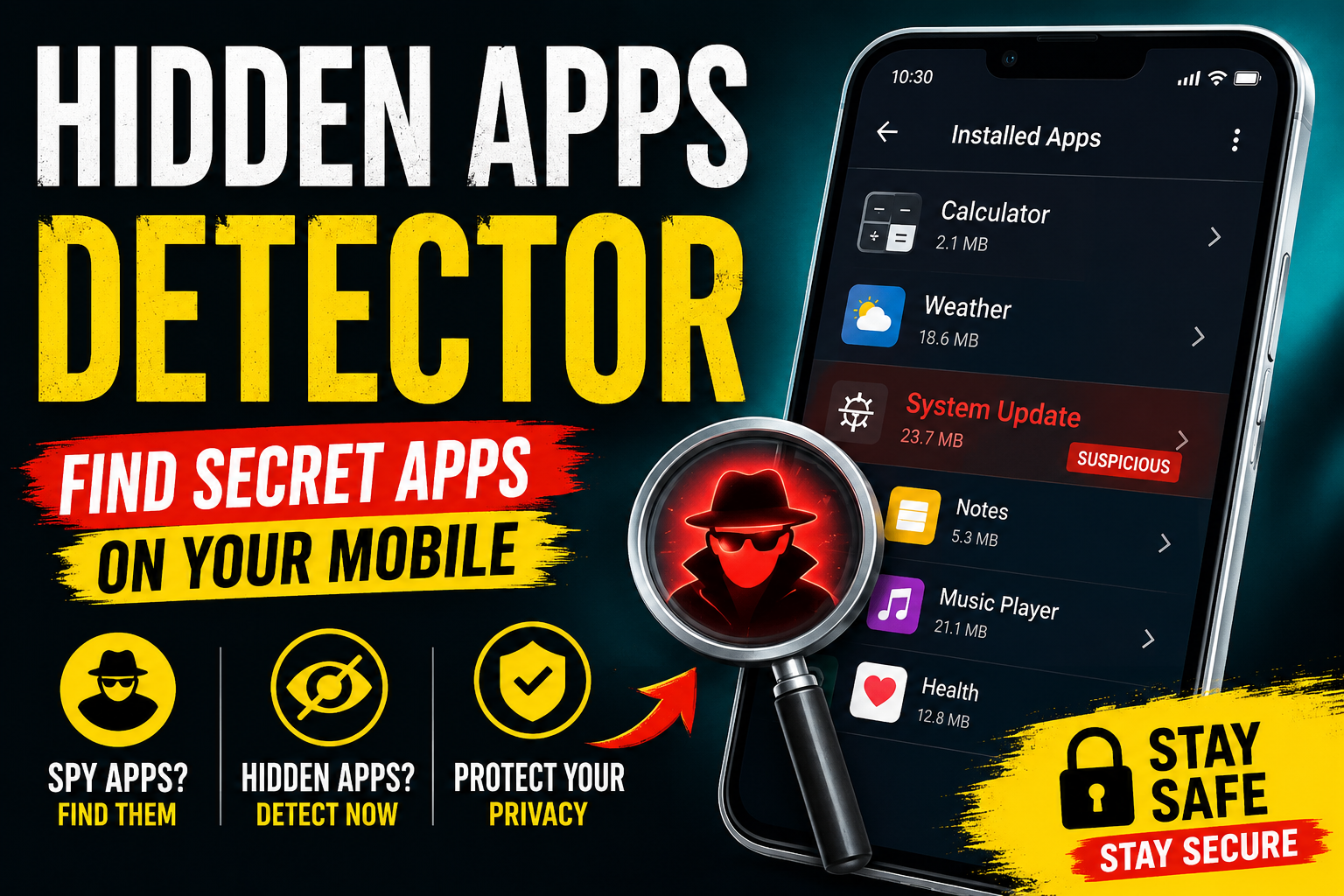
Hidden Apps Detector on Mobile Easy Guide to Find Secret Apps
Have you ever felt that something strange is happening on your phone? Maybe your battery drains too fast, unknown notifications appear, or your mobile becomes slow for no reason. In many cases, hidden apps or secret spyware apps can be the cause. Therefore, learning how to detect hidden apps on mobile devices is now more important than ever.
Today, many people use hidden applications for privacy. However, cybercriminals and spying tools also use secret apps to track calls, messages, and personal data. The good news is that you can easily find hidden apps on your Android phone by using a few smart methods.
In this guide you will learn how hidden apps work how to detect them and the best tips to keep your mobile safe.
What Are Hidden Apps on Mobile?
Hidden apps are applications that do not appear on the normal home screen or app drawer. Sometimes users hide apps intentionally for privacy reasons. On the other hand, some apps stay hidden to secretly monitor phone activity.
These hidden apps may include:
- Spyware apps
- Tracking tools
- Hidden messaging apps
- Fake calculator vault apps
- Background monitoring software
As a result, your phone privacy and security can be at risk.
Signs That Your Phone Has Hidden Apps
Before using a hidden apps detector, it is smart to check for warning signs. Here are some common symptoms
Fast Battery Drain
Spy apps often run continuously in the background. Therefore they consume battery power quickly.
Mobile Heating Issues
If your phone becomes hot even when not in use a hidden app may be working secretly.
Slow Performance
Hidden applications can use RAM and storage. Consequently, your device may lag or freeze.
Unusual Data Usage
Spyware apps send data to servers. Because of this, your internet usage may suddenly increase.
Unknown Permissions
Some hidden apps request access to your camera, microphone, or location without clear reasons.
How to Detect Hidden Apps on Android
Finding secret apps is easier than most people think. Follow these simple methods carefully.
Check Installed Apps List
First, open your phone settings.
Steps
- Go to Settings
- Open Apps or Application Manager
- Tap See All Apps
Now check the complete app list carefully. If you notice strange names or apps you never installed, investigate them immediately.
Use Built In Hidden Apps Feature
Many Android phones include hidden app settings.
Samsung Phones
Open the app drawer and tap the three dots. Then select Hide Apps to view hidden applications.
Xiaomi and Realme Phones
Go to Security App and check hidden apps or app lock settings.
This method works well because many users accidentally leave apps hidden.
Check Device Administrator Apps
Some spyware apps use administrator access to avoid deletion.
How to Check
- Open Settings
- Go to Security
- Tap Device Admin Apps
Disable any suspicious app you do not recognize.
Use a Hidden App Detector App
Several Android security apps can scan your phone for hidden spyware.
Popular options include:
- Avast Mobile Security
- Bitdefender Mobile Security
- Malwarebytes for Android
These apps can detect malware, hidden trackers, and dangerous permissions quickly.
Look for Fake Apps
Some secret apps disguise themselves as calculators calendars or note apps.
For example, a fake calculator app may actually hide photos or private chats. Therefore, always check apps that look suspicious or request unusual permissions.
Best Tips to Keep Your Mobile Safe
Detecting hidden apps is important. However, prevention is even better.
Download Apps from Trusted Sources
Always use the official Google Play Store for downloading apps. Third party APK websites may contain spyware.
Check App Permissions
Before installing any app, review permissions carefully. A flashlight app should not need microphone access.
Update Your Phone Regularly
Software updates improve mobile security and remove vulnerabilities.
Use Strong Screen Locks
Fingerprint and PIN protection can stop unauthorized access to your device.
Avoid Suspicious Links
Hackers often spread hidden apps through fake download links and phishing messages.
Can Hidden Apps Spy on You?
Yes, some hidden apps can monitor your activity. Spyware may track:
- Text messages
- Call logs
- GPS location
- Photos and videos
- Social media activity
However, most modern Android devices include strong security protections. Therefore, keeping your phone updated greatly reduces the risk.
Are Hidden App Detector Apps Safe?
Most trusted security apps are safe. Nevertheless, avoid downloading random “secret app detector” APKs from unknown websites. Some fake detector apps actually contain malware themselves.
Always read reviews and choose well known mobile security brands.
Conclusion
Hidden apps on mobile phones can affect your privacy security and device performance. Fortunately, you can detect secret apps by checking installed applications reviewing permissions, and using trusted security tools.
In addition, simple habits like downloading apps from trusted sources and keeping your Android updated can protect your phone from spyware risks. If your device shows unusual behavior, take action quickly and scan your mobile immediately.
A secure smartphone not only protects your data but also gives you peace of mind every day.