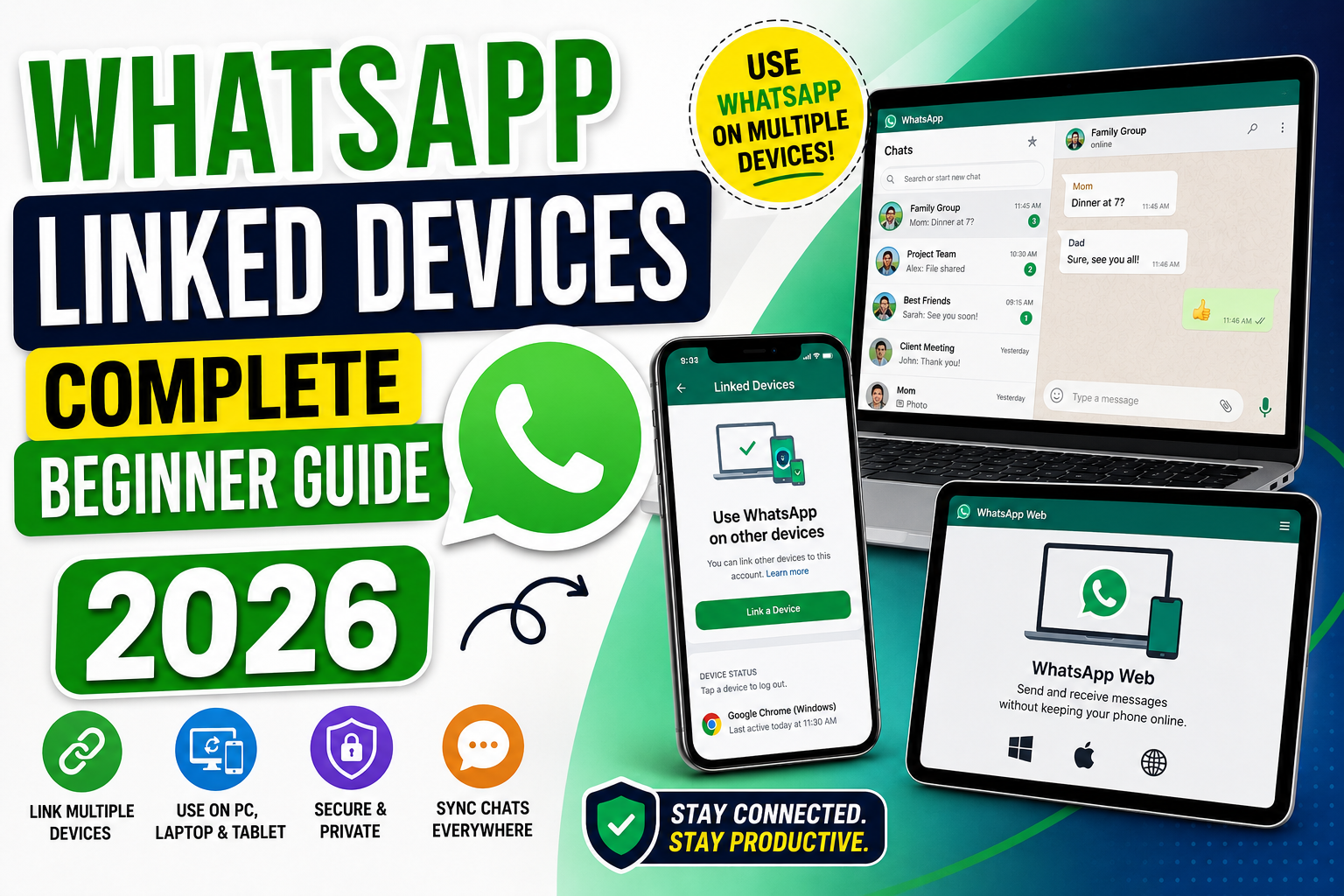
WhatsApp Linked Devices Complete Beginner Guide 2026
Introduction
WhatsApp has become one of the most popular messaging apps in the world. Millions of people use it every day for personal chats, business messages, and video calls. As people use more than one device, they also want easy access to their conversations everywhere.
That is where WhatsApp Linked Devices becomes useful. This feature lets you use your WhatsApp account on multiple devices at the same time. You can chat from your computer, tablet, or another supported device without keeping your phone connected to the internet all the time.
This beginner guide explains everything you need to know about WhatsApp Linked Devices in 2026. You will also learn how to set it up, manage connected devices, and keep your account secure.
What Is WhatsApp Linked Devices?
WhatsApp Linked Devices is a feature that connects your WhatsApp account to other supported devices. Once you link a device, you can send messages, receive chats, and share files directly from that device.
Your chats remain protected with end to end encryption. This means your personal conversations stay private while you enjoy the convenience of using several devices.
Why Use WhatsApp Linked Devices?
Many people work from a computer during the day. Others switch between a phone and a tablet. Linked Devices makes this much easier.
Some key benefits include:
- Access WhatsApp on multiple devices.
- Continue chatting even if your phone is offline for a period.
- Send and receive files quickly from your computer.
- Improve productivity while working or studying.
- Keep all conversations synced across linked devices.
For example, a small business owner can answer customer messages from a laptop while using the phone for calls.
How to Link a New Device
Setting up WhatsApp Linked Devices takes only a few minutes.
Step 1
Open WhatsApp on your smartphone.
Step 2
Tap the menu or settings option.
Step 3
Select Linked Devices.
Step 4
Tap Link a Device.
Step 5
Open WhatsApp Web or the WhatsApp desktop app on your computer.
Step 6
Scan the QR code with your phone.
After a few seconds, your chats will appear on the new device.
Devices That Support Linked Devices
WhatsApp supports several types of devices.
These include:
- Windows computers
- Mac computers
- Web browsers through WhatsApp Web
- Some tablets
- Other supported companion devices
Always keep WhatsApp updated to enjoy the latest features and security improvements.
How to Manage Linked Devices
You can easily check every device connected to your account.
Open Linked Devices in WhatsApp settings. You will see a list of active devices along with their last activity.
If you notice an unknown device, remove it immediately. This helps protect your account from unauthorized access.
Security Tips for WhatsApp Linked Devices
Security should always come first.
Follow these simple tips to protect your account:
Enable Two Step Verification
This adds another layer of protection. Even if someone knows your phone number, they cannot easily access your account.
Review Connected Devices
Check your linked devices regularly. Remove devices you no longer use.
Lock Your Devices
Use a strong password, fingerprint, or face unlock on every device.
Avoid Public Computers
Public computers may store login information. Therefore, only use trusted devices whenever possible.
Update WhatsApp Frequently
Updates often include important security fixes and new features.
Common Problems and Easy Solutions
Sometimes users face small issues while linking devices.
QR Code Does Not Scan
Clean your phone camera and increase screen brightness. Also, make sure the QR code is fully visible.
Device Disconnects Often
Check your internet connection on both devices. Restart WhatsApp if needed.
Chats Do Not Sync
Wait a few moments for synchronization. Also, install the latest version of WhatsApp.
Cannot Link Another Device
You may have reached the maximum number of linked devices. Remove an old device before adding a new one.
Best Tips for Using WhatsApp Linked Devices
You can enjoy an even better experience by following these tips.
- Keep notifications enabled on your computer.
- Log out from devices you no longer use.
- Back up your chats regularly.
- Use the desktop app for faster performance.
- Keep your operating system updated.
These simple habits improve both security and convenience.
Frequently Asked Questions
Can I use WhatsApp on multiple devices?
Yes. WhatsApp allows you to connect several supported devices to one account.
Do I need to keep my phone connected?
No. Linked devices can continue working even when your phone is offline for some time.
Is WhatsApp Linked Devices secure?
Yes. WhatsApp protects your chats with end to end encryption. Your messages remain private across linked devices.
Can I remove a linked device anytime?
Yes. Open the Linked Devices section in WhatsApp settings and sign out from any connected device.
Does WhatsApp Web support Linked Devices?
Yes. WhatsApp Web fully supports the Linked Devices feature after you scan the QR code.
Conclusion
WhatsApp Linked Devices Complete Beginner Guide 2026 shows how simple it is to use one WhatsApp account across multiple devices. Whether you work from a laptop, use a tablet, or switch between different devices, this feature helps you stay connected with ease.
It also offers strong security, simple setup, and a smooth user experience. Keep your account updated, review linked devices regularly, and enable Two Step Verification for better protection. With these steps, you can enjoy WhatsApp safely and efficiently on all your supported devices.