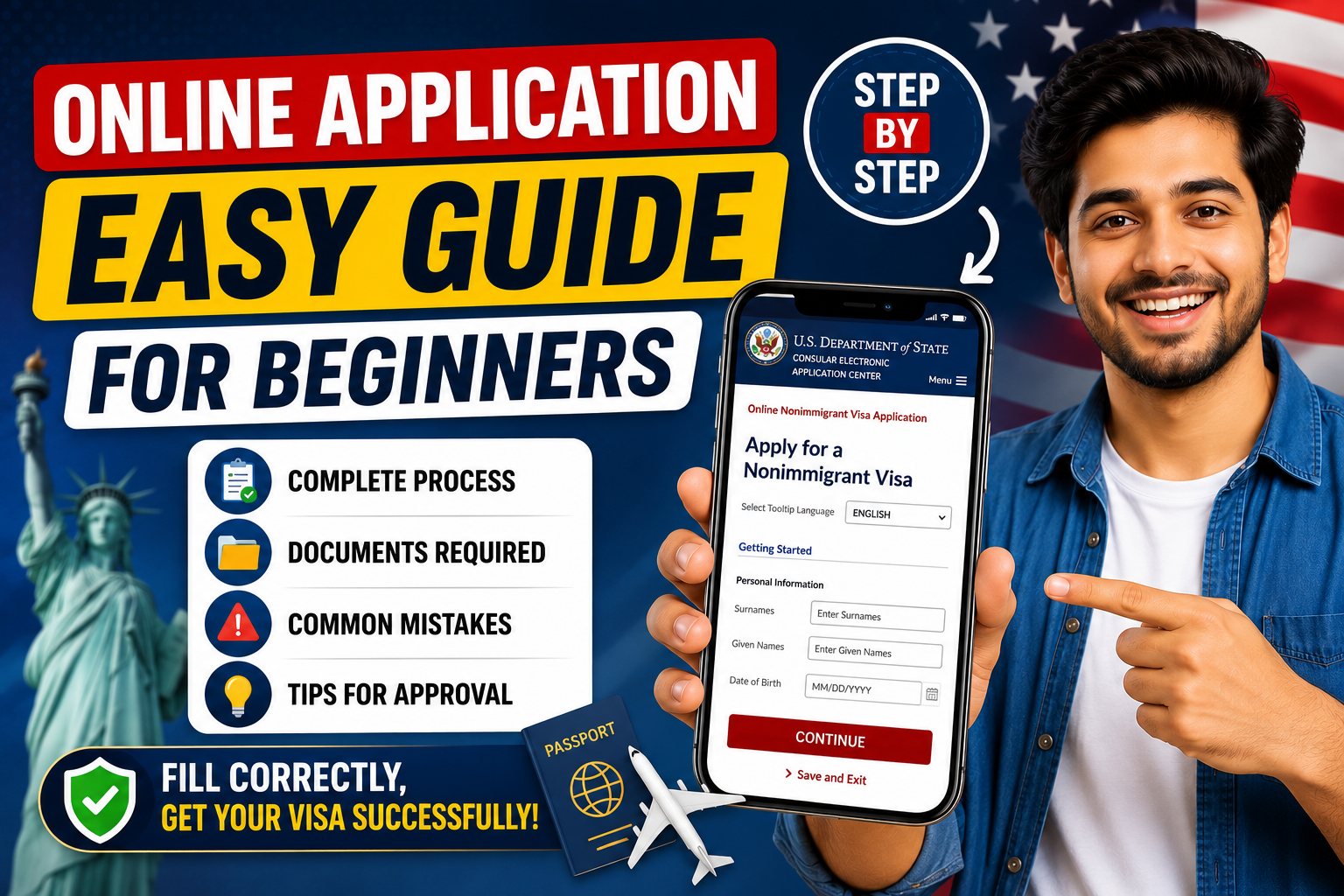
USA Visa DS 160 Form Complete Guide for Beginners
Applying for a US visa can feel confusing at first. However, the DS 160 online application process becomes much easier once you understand each step properly. Whether you are applying for a tourist visa, student visa, or business visa, the DS 160 form is one of the most important parts of your application.
In this guide, you will learn how to fill out the DS 160 form online, avoid common mistakes, and submit your application successfully. Moreover, this beginner friendly tutorial will help you complete the process with confidence.
What Is the DS 160 Form?
The DS 160 form is an online nonimmigrant visa application required for people who want to travel to the United States temporarily. It is managed by the U.S. Department of State.
Additionally, the DS 160 application collects your personal details, travel plans, education history, and security information. After submission, you must attend a visa interview at the US Embassy or Consulate.
Who Needs to Fill the DS 160 Form?
You must complete the DS 160 online application if you are applying for:
- US tourist visa
- Student visa
- Business visa
- Medical treatment visa
- Exchange visitor visa
Furthermore, every applicant, including children, needs a separate DS 160 form.
Requirements Before Starting DS 160 Application
Before you begin, prepare the following documents and information:
Passport
Your passport should be valid for at least six months beyond your travel date.
Travel Details
Keep your travel plans ready, including your expected arrival date in the USA.
Photograph
You need a recent passport size photo that matches US visa photo requirements.
Personal Information
Prepare details such as:
- Full name
- Address
- Phone number
- Email address
- Education history
- Employment information
As a result, you can complete the form faster without interruptions.
Step by Step DS 160 Online Application Process
Step 1: Visit the Official DS 160 Website
Go to the official Consular Electronic Application Center website and select your country and embassy location carefully.
Then, click on “Start an Application.”
Step 2: Save Your Application ID
After starting, the system will generate an Application ID. Write it down immediately because you will need it later to continue your application.
In addition, choose a strong security question and answer.
Step 3: Fill Personal Information
Enter your:
- Full legal name
- Date of birth
- Nationality
- Marital status
Make sure all information matches your passport exactly.
Step 4: Add Travel Information
Next, provide details about:
- Purpose of travel
- Intended travel dates
- US address if available
If you are unsure about exact dates, estimated information is usually acceptable.
Step 5: Enter Education and Work History
The DS 160 form also asks about your:
- Current job
- Previous employment
- Educational background
Therefore, answer honestly and accurately.
Step 6: Upload Your Photo
Upload your digital passport photo according to the official requirements. If the system rejects your image, adjust the size or background and try again.
Step 7: Review Your Application Carefully
Before submission, review every section carefully. Even a small spelling mistake can create problems during your visa interview.
For example, incorrect passport numbers or wrong dates may delay your application.
Step 8: Submit the DS 160 Form
Finally, submit your application online. After submission, download and print the DS 160 confirmation page because you must bring it to your visa interview.
Common DS 160 Mistakes to Avoid
Many beginners make simple mistakes while filling out the DS 160 form. Fortunately, you can avoid them easily.
Providing Incorrect Information
Always double check your:
- Passport number
- Name spelling
- Date of birth
Using Unprofessional Answers
Keep your answers simple, truthful, and professional.
Forgetting the Confirmation Page
Without the confirmation page, you may not be allowed to attend the visa interview.
Helpful Tips for Faster DS 160 Approval
Use Stable Internet
Since the session may expire quickly, a stable internet connection is important.
Save Frequently
The DS 160 form automatically logs out after inactivity. Therefore, save your progress regularly.
Be Honest
Never provide fake documents or misleading information because it may lead to visa rejection.
Can You Edit DS 160 After Submission?
Yes, but only in certain situations. If you discover a mistake after submission, you may need to fill out a new DS 160 form and bring both confirmation pages to your interview.
Hence, reviewing the application before final submission is extremely important.
Final Thoughts
The DS 160 online application may seem difficult initially, but the process becomes simple when you follow the correct steps. By preparing your documents, entering accurate information, and reviewing everything carefully, you can complete your US visa application smoothly.
Most importantly, stay patient and confident throughout the process. A properly completed DS 160 form increases your chances of having a stress free visa interview experience.
